
Keep Your SSD at Peak Performance
FNet SSD Suite — an all-in-one SSD management tool for Windows 10 / 11. Health monitoring, performance optimization, system cloning, and secure erase in one lightweight, intuitive interface—no need to juggle multiple utilities.
Worried about sudden SSD failure, slower boot times, or reinstalling everything when upgrading? S.M.A.R.T. diagnostics warn you before problems worsen; color-coded indicators plus one-click optimization tune your system; built-in CloneDrive migrates your OS in about four steps—swap the drive and boot.
From firmware updates and benchmark tests to secure erase and multi-language support, SSD Suite protects your data and performance—keeping every SSD more stable, faster, and longer-lasting.
S.M.A.R.T. health alerts—catch failures early
One-click optimization—feel the speed boost
CloneDrive smart clone—upgrade without reinstalling
Secure erase—destroy old drive data completely
Download SSD Suite Now
 Windows 10
Windows 11
Windows 10
Windows 11
Windows 10
Windows 11

Real-Time Monitoring at a Glance

Health Alerts—Catch Failures Early

One-Click Optimization—Instant Speed Boost

Secure Erase—Privacy Destroyed for Good
One Tool for All Your SSD Needs
From health alerts and performance tuning to system migration and secure erase—SSD Suite keeps every solid-state drive stable, fast, and durable, so you can stop worrying about drive problems.
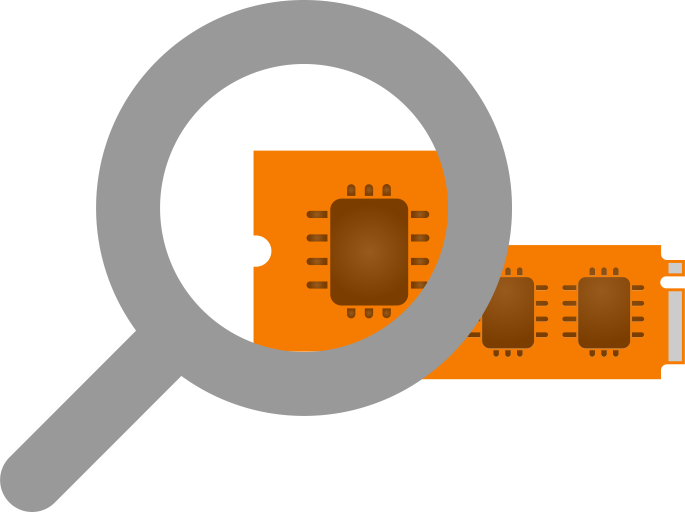
SSD Overview & Alerts
Open the app to see your SSD model, capacity, firmware, and health at a glance. S.M.A.R.T. monitoring warns you before problems worsen, giving you time to back up data and avoid sudden failure.

System Optimization & Acceleration
Are Windows settings slowing your SSD? Green, yellow, and red indicators show what needs attention. One-click optimization applies recommended settings, reduces unnecessary writes, extends SSD life, and speeds up boot and app loading.

Secure Data Erasure
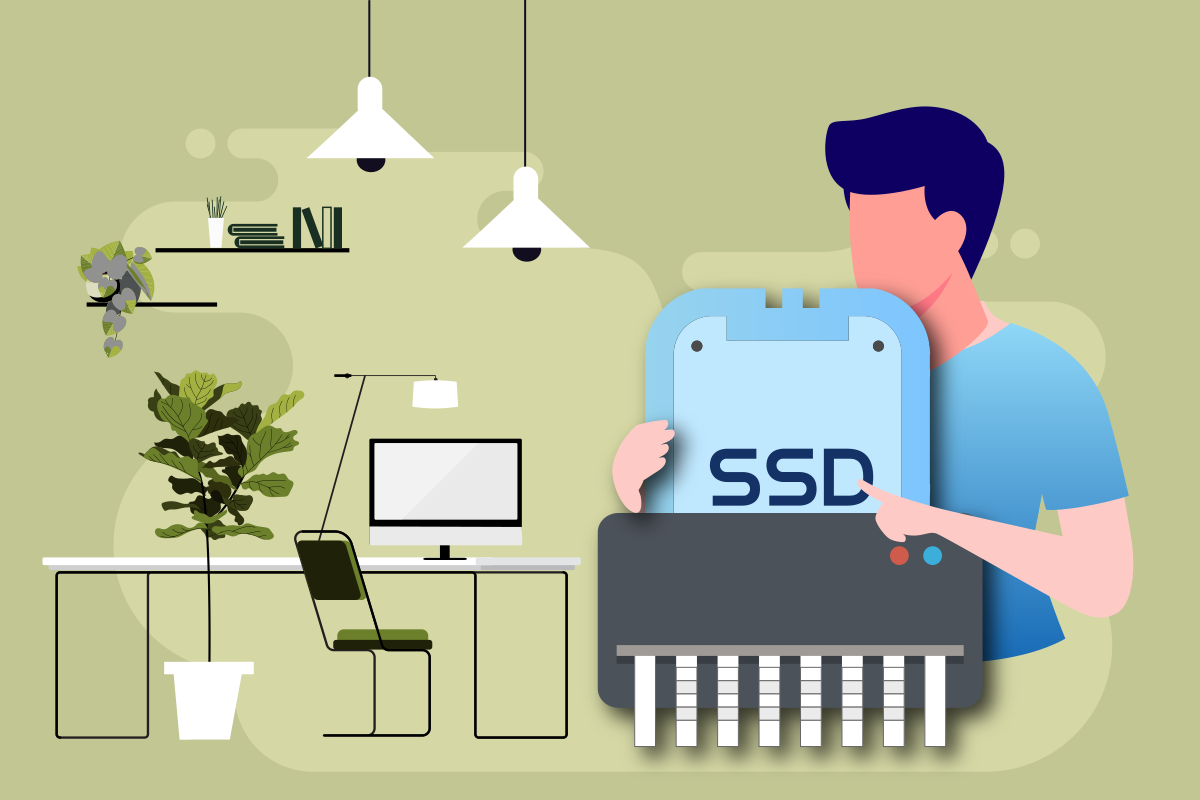
Selling or disposing of an old SSD? Secure erase permanently destroys data—even recovery tools cannot restore it. Photos, work files, account info—upgrade your drive with confidence.
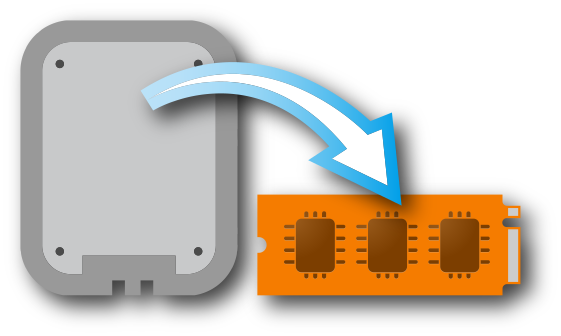
Smart System Cloning
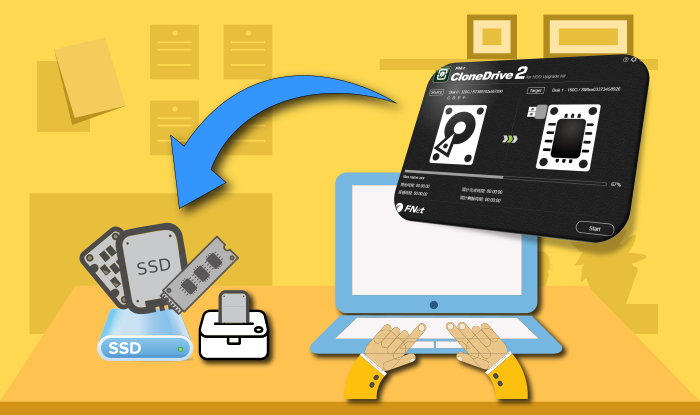
Don't want to spend a day reinstalling Windows? Built-in CloneDrive copies Windows and all apps to your new SSD and adjusts partitions automatically. About four steps—swap the drive and boot.
Your All-in-One SSD Manager
Your SSD is more than storage—it drives boot speed, app loading, and system responsiveness. FNet SSD Suite combines health monitoring, optimization, cloning, and secure erase in one lightweight interface—no juggling multiple tools.
From daily S.M.A.R.T. alerts and one-click tuning to clone-without-reinstall and secure erase when replacing drives—whether you're a casual user or power user, keep every SSD more stable, faster, and longer-lasting.
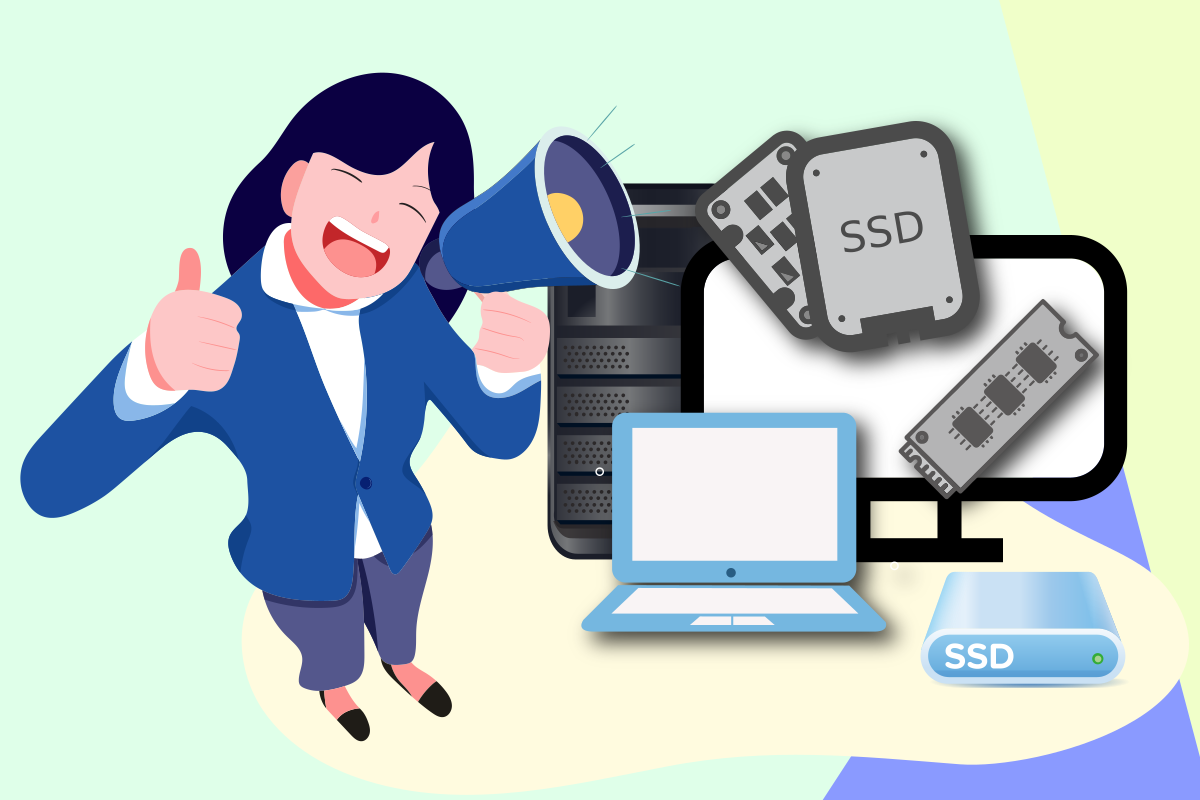
SSD Info at a Glance
Model, serial, capacity, firmware, and health status—all in one place.
Instant overview: No digging through Device Manager—see your SSD's full picture on launch.
Smart decisions: Reliable reference for optimization, firmware updates, or upgrades.
S.M.A.R.T. Health Alerts
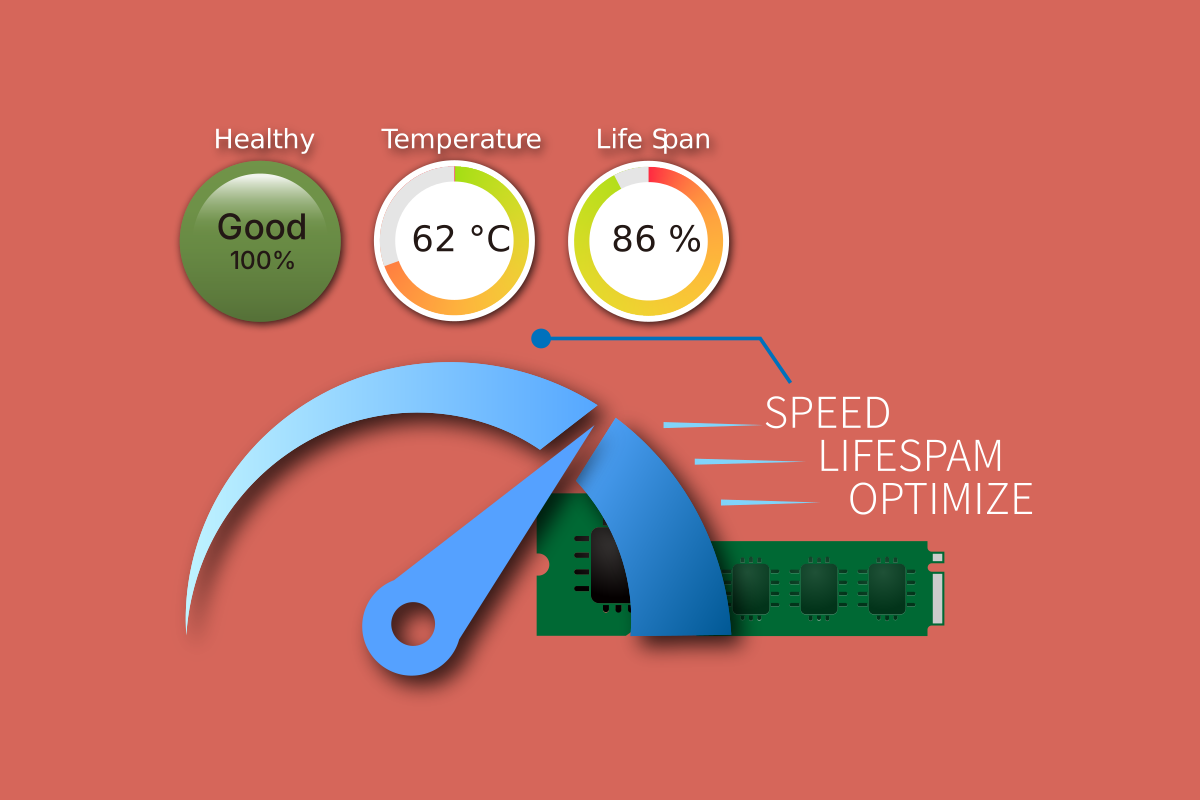
Continuously tracks health metrics, temperature, and remaining lifespan.
Early warning: Alerts before problems worsen—no more surprise drive failures.
Time to act: Back up data and plan a replacement before it's too late.
One-Click System Optimization
Green, yellow, and red indicators show Windows settings that need attention.
One click: Automatically applies recommended settings and reduces unnecessary writes.
Feel the speed: Extends SSD life and makes boot and app loading smoother.
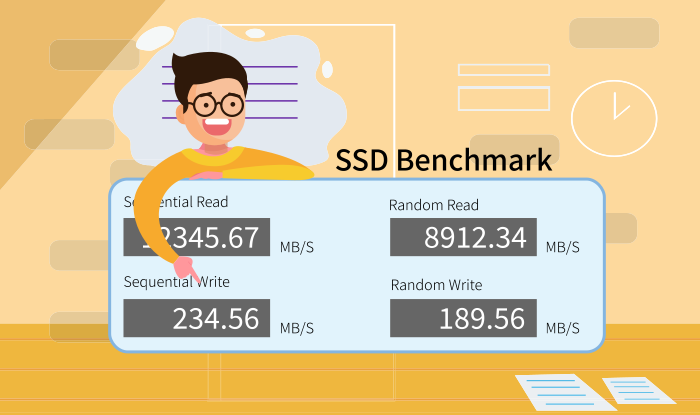
Read/Write Benchmark
Verify real SSD performance with data—not guesswork.
Sequential test: Simulates large file copies—ideal for video editing and bulk transfers.
Random test: Measures small-file I/O—the key to everyday boot and app responsiveness.
Clone Without Reinstalling
Built-in CloneDrive copies Windows and apps to your new SSD.
Auto-adjust: Partitions fit the new drive—done in about four steps.
Boot ready: SATA to NVMe or capacity upgrade—no more hassle.
Secure Data Erasure
Your last line of defense before selling, repairing, or disposing of an old SSD.
Standard erase: Quick wipe; Deep erase: multiple overwrites to security standards.
Unrecoverable: Even recovery tools can't restore your privacy and confidential data.
Cloud Firmware Updates
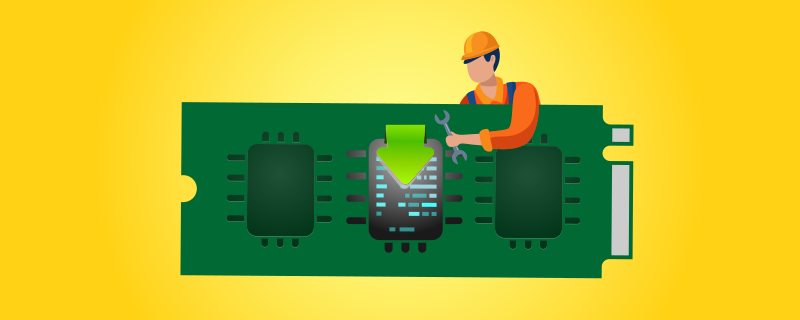
Outdated firmware can hurt performance and stability.
Version check: Automatically compares your current firmware—never miss an update.
One-click update: Patches known issues and maintains peak compatibility and speed.
Multi-Language Interface
Auto-switches to your system language, or choose manually.
No language packs: Ready to use out of the box.
Global teams: Manage SSDs in the language you know best.
