
SSD management: health, optimization, and secure erase
Instant SSD Information:
Accurately assess SSD health status to ensure
excellent performance and stability.
Diagnostic Scan:
Scan SMART data to detect issues early and
prevent failures.
Performance Optimization:
Adjust Windows settings to enhance SSD efficiency
and longevity.
Performance Testing:
Measure sequential and random read/write speeds
for peak performance.
Essential Disk Tools:
Quickly clone boot disks for easy upgrades.
Permanently erase sensitive data to protect
privacy.
Check and update firmware to maintain optimal SSD
status.
Use SSD Suite for monitoring, tuning, firmware checks,
and secure erase.
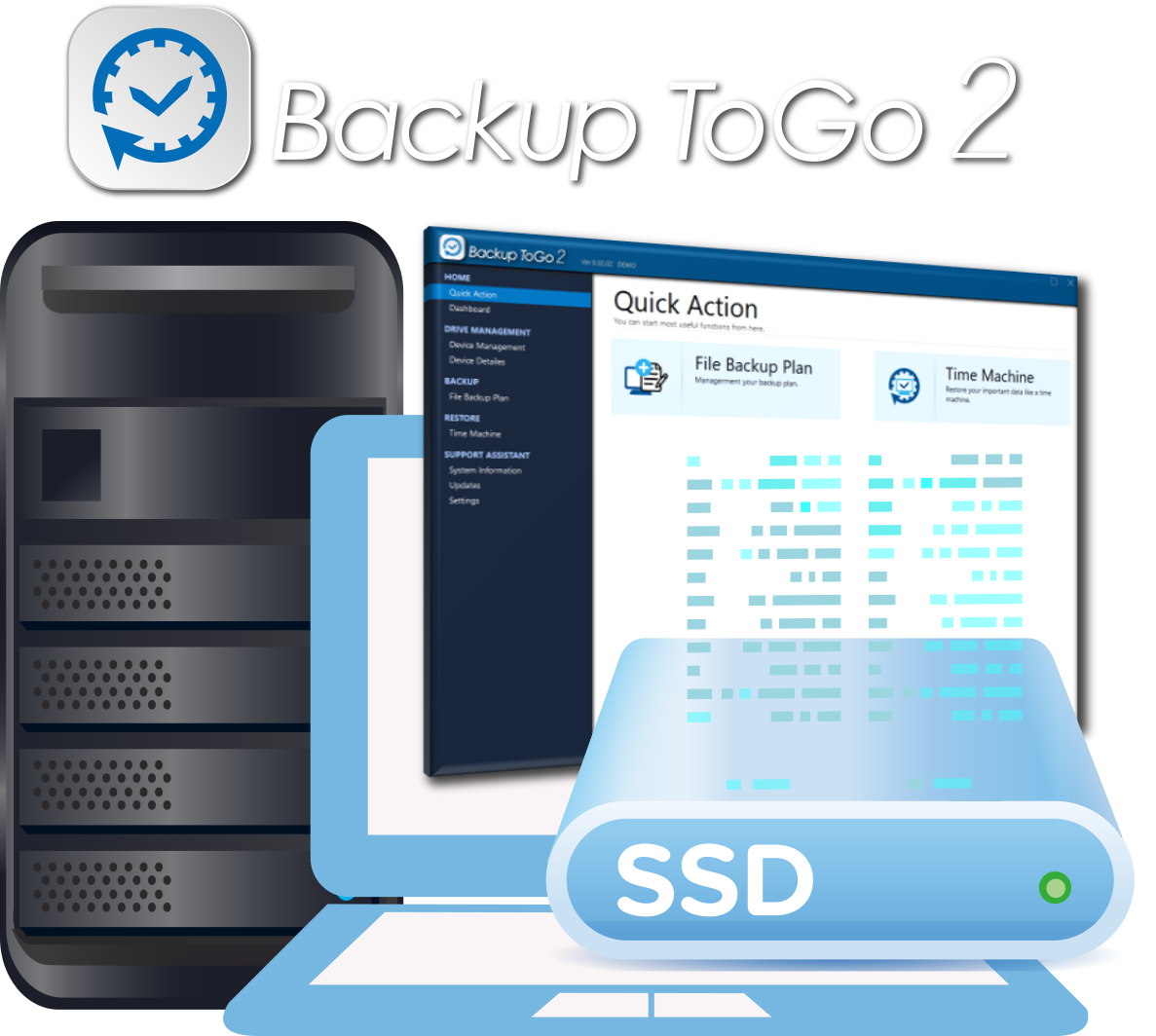
Backup ToGo 2: synthetic backup and restore
Easy to Use:
Intuitive interface for effortless backup
management, even for first-time users.
Efficient Backup:
Proprietary synthetic technology reduces backup
time and saves storage space.
Point-in-time restore:
Pick any backup snapshot and restore files or
system data quickly.
Flexible Configuration:
Supports incremental backup and scheduling to
meet personal and business needs.
Comprehensive Protection:
Cloud sync and mobile support ensure secure data
storage anytime, anywhere.
Backup ToGo 2 supports schedules, incremental backups,
and flexible restore.
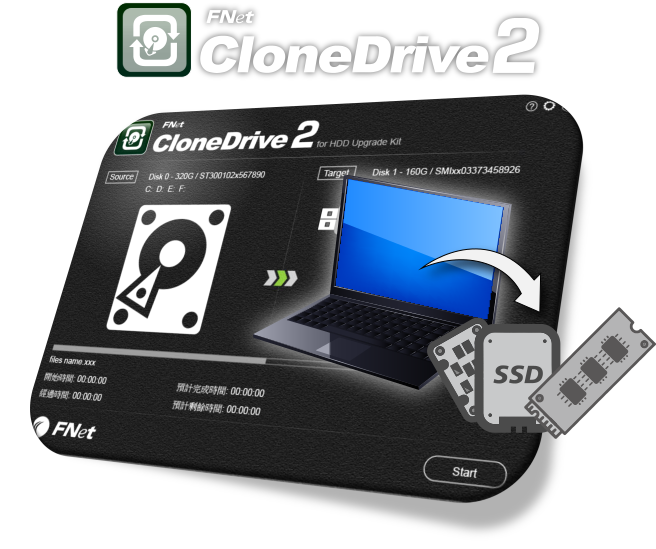
CloneDrive 2: smart disk cloning and migration
One-Click Cloning, Painless Upgrade
Clone Windows, applications, and files to a new
SSD or HDD without a full reinstall.
Smart Cloning Technology Makes Upgrade Easier
Adjusts partition layout for different drive sizes
while keeping data consistent and bootable.
Selective Cloning, Precise Data Copy
Only copy the partitions or files you need,
saving space and efficient, perfect for SSD upgrades!
Multi-Target Cloning, Handle Multiple Drives at Once
Support simultaneous cloning to multiple drives,
ideal for IT deployment or mass device upgrades!
Support Latest Storage Technologies
Works with NVMe, PCIe, SATA, Thunderbolt, and
USB Type-C storage devices.
CloneDrive 2 helps migrate systems to faster SSDs with
less downtime.
SecureDrive EX2: encryption for portable drives
- AES 256-bit Military-Grade Encryption
Uses NIST-certified AES 256 encryption algorithm,
one of the most powerful symmetric encryption technologies, widely used in government and
financial institutions.
- Dual Partition Architecture
Users can customize the capacity ratio of public
and encrypted areas. Public area allows free access, while encrypted area requires password
unlock, suitable for storing both general and confidential data. Encrypted area is
completely hidden in the system before unlock, avoiding accidental deletion or leakage.
- Plug and Play, No Driver Installation Required
SecureDrive EX2 is built into the device, insert
and start the encryption program immediately, no additional software installation required.
Supports Windows operating system, intuitive operation, suitable for non-technical users.
- Password Recovery Mechanism
Provides password recovery function (requires
original serial number verification), don't worry about forgetting password, and can choose
to securely erase encrypted area data to avoid data residue risks.
Separate public and encrypted volumes with AES-256 and
optional secure erase.