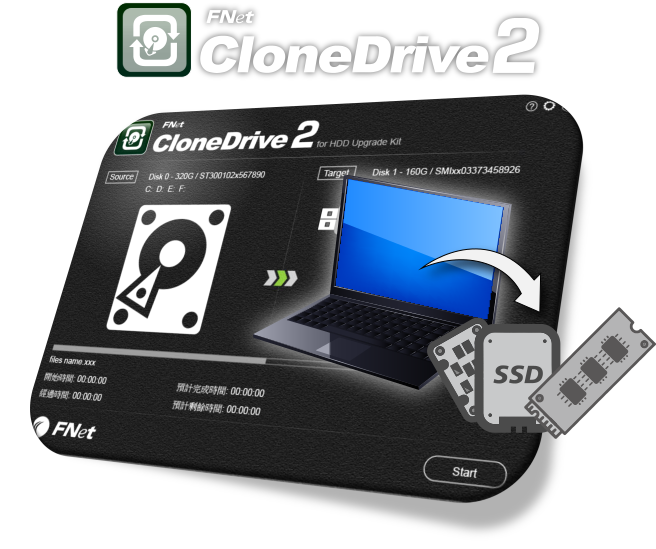
Disk cloning and system migration
FNet CloneDrive 2 uses smart cloning to skip empty regions and copy only what is needed, which saves time and reduces unnecessary writes to the target SSD. It migrates Windows, applications, and files to a new drive and applies 4K alignment automatically to help SSDs reach their expected read/write performance.
Download CloneDrive 2 Now
 Windows 10
Windows 11
Windows 10
Windows 11
Windows 10
Windows 11
Smart Cloning, Easy Upgrade

Selective Cloning, Precise Copying

Multi-Target Cloning, Double Efficiency

4K Alignment, Optimized Performance

SATA to NVMe Clone
A Trusted Hard Drive Upgrade Tool
Combining smart cloning with diverse features, CloneDrive 2 provides a
reliable and efficient hard drive upgrade and backup solution for Windows users.

Smart Cloning Technology
Uses Smart Cloning Technology to automatically adjust partition sizes, skip
empty blocks, and copy only the data-containing parts, making cloning faster and more efficient,
reducing unnecessary writes, and extending SSD lifespan.
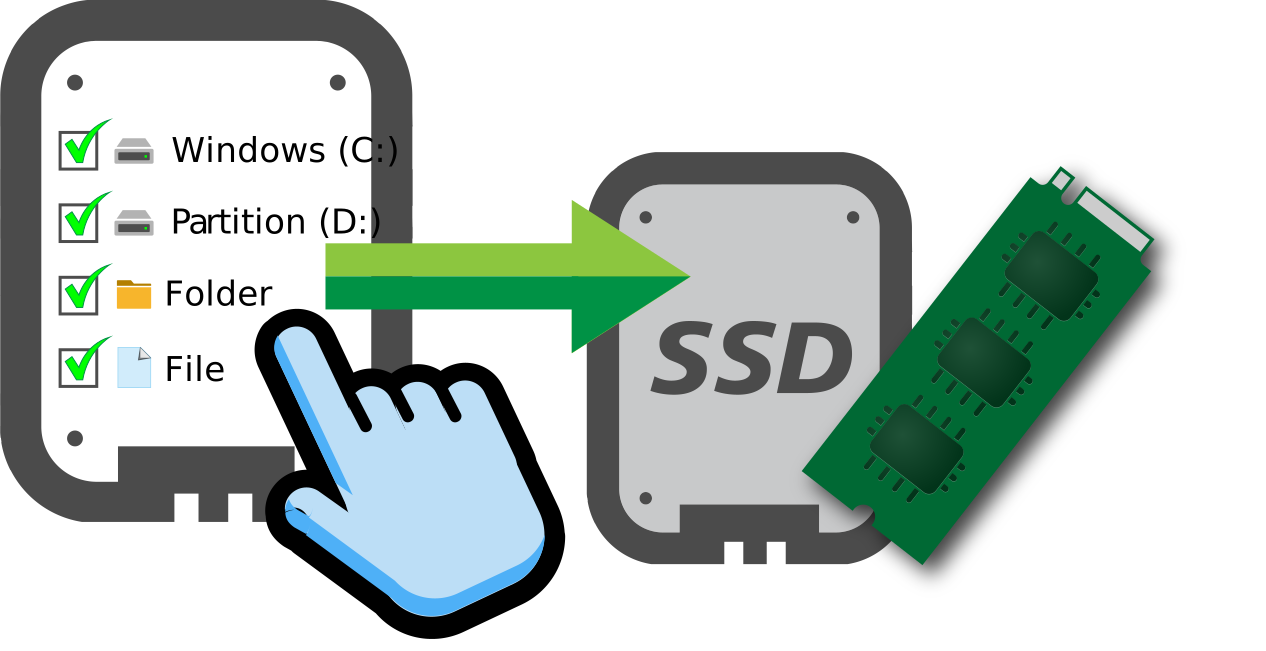
Selective Cloning
Through Filter Cloning, you can select specific partitions or files for
copying, suitable for SSD upgrades with limited space, ensuring optimal storage utilization and
avoiding unnecessary data occupation.
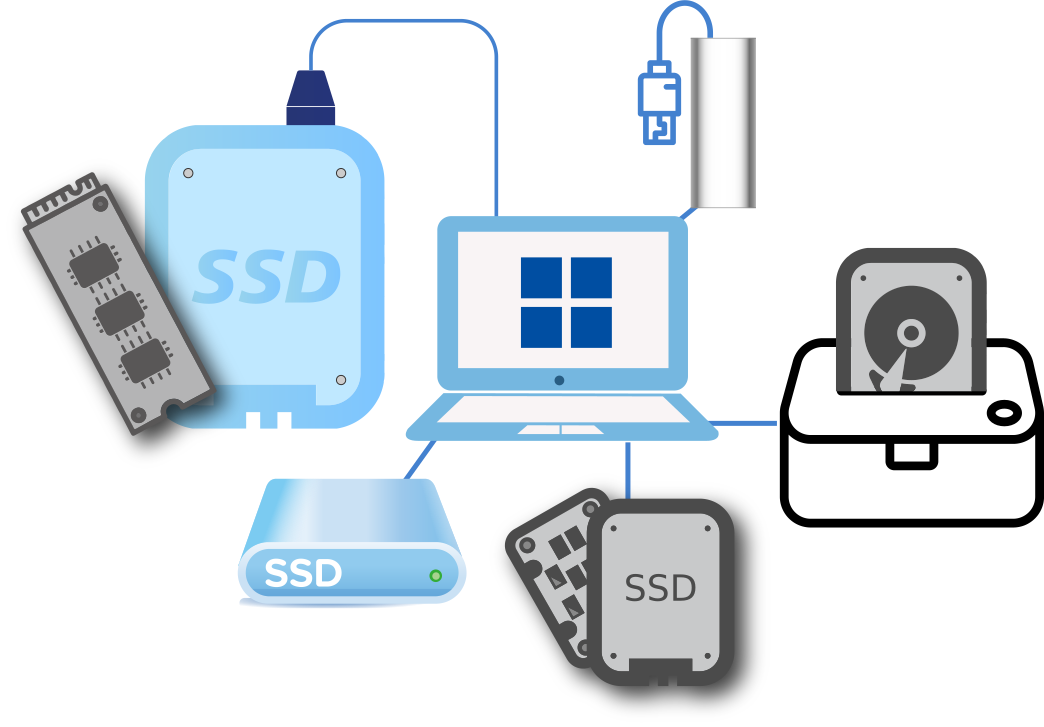
Multi-Target Cloning
Supports Multiple Target Cloning, allowing you to copy the source disk to
multiple target devices in a single operation, suitable for IT deployment or mass device upgrades,
improving work efficiency.
MBR/GPT & 4K Alignment
Supports MBR/GPT partition formats and automatically performs 4K alignment to
ensure maximum SSD performance, improve read/write efficiency, reduce fragmentation, and make the
system run smoother.
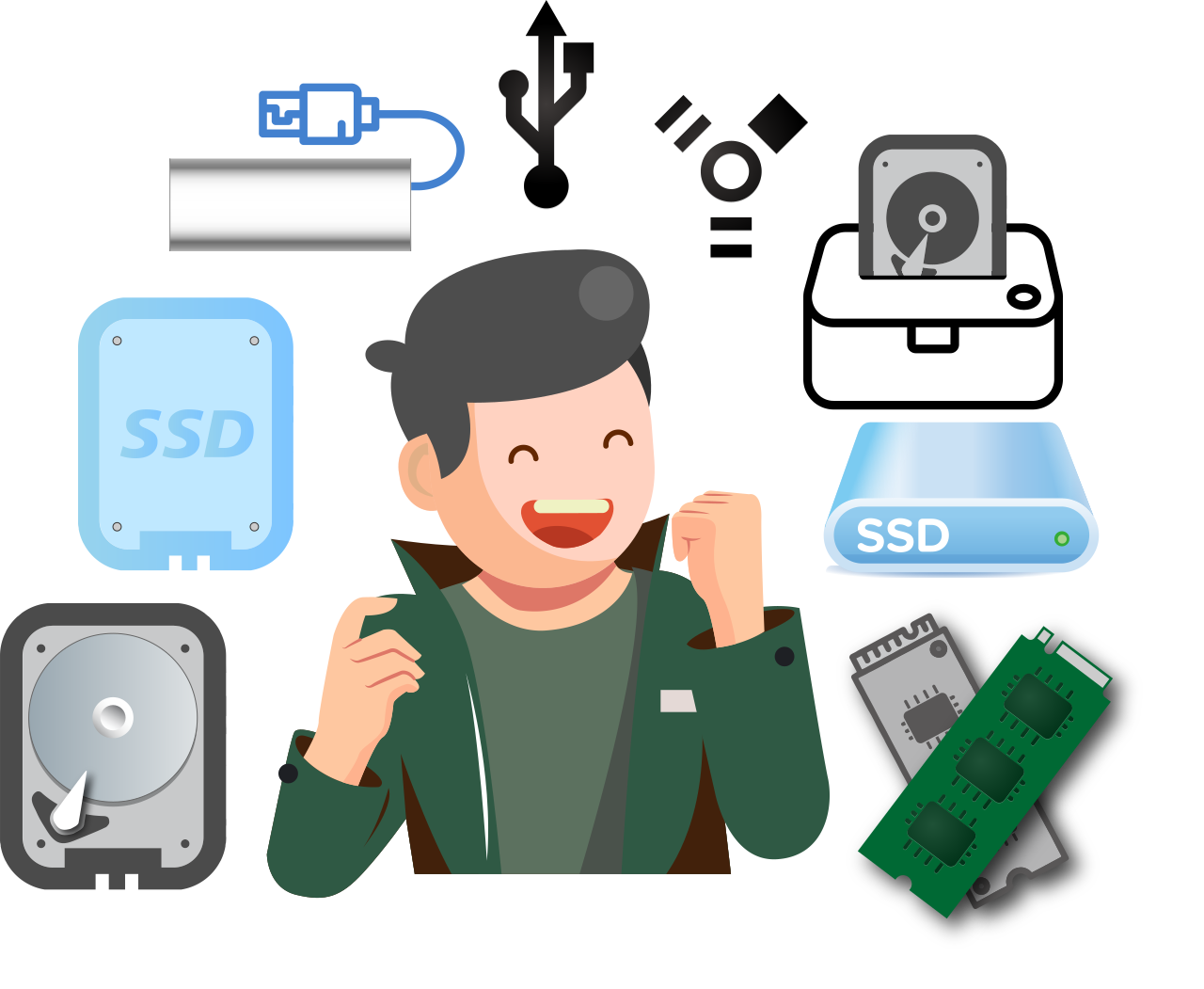
SATA to NVMe Clone
Seamlessly clone your system and data from traditional SATA drives to next-gen
NVMe SSDs, breaking interface limitations and giving older devices a dramatic upgrade with
ultra-fast boot times.
No Need to Reinstall the System
One-Click Hard Drive Upgrade, Ready to Use!
Experience FNet CloneDrive 2 now for a simple and fast system upgrade!

Smart Cloning Technology
Uses Smart Cloning Technology to automatically adjust partition sizes, skip empty blocks, and copy only the data-containing parts, making cloning faster and more efficient, reducing unnecessary writes, and extending SSD lifespan.

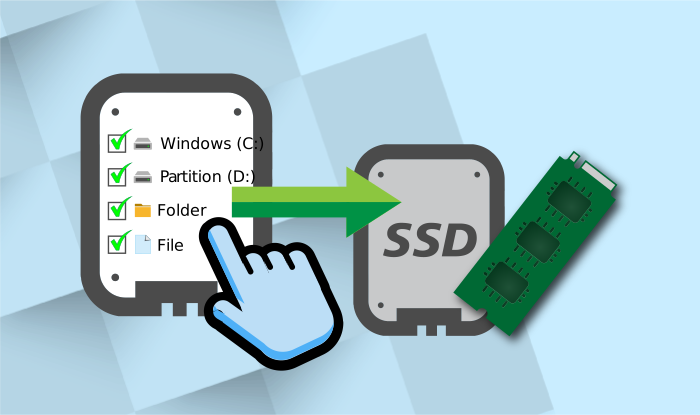
Selective Cloning
Through Filter Cloning, you can select specific partitions or files for copying, suitable for SSD upgrades with limited space, ensuring optimal storage utilization and avoiding unnecessary data occupation.
Multi-Target Cloning
Supports Multiple Target Cloning, allowing you to copy the source disk to multiple target devices in a single operation, suitable for IT deployment or mass device upgrades, improving work efficiency and reducing repetitive operations.

Supports Multiple Storage Devices and Interfaces
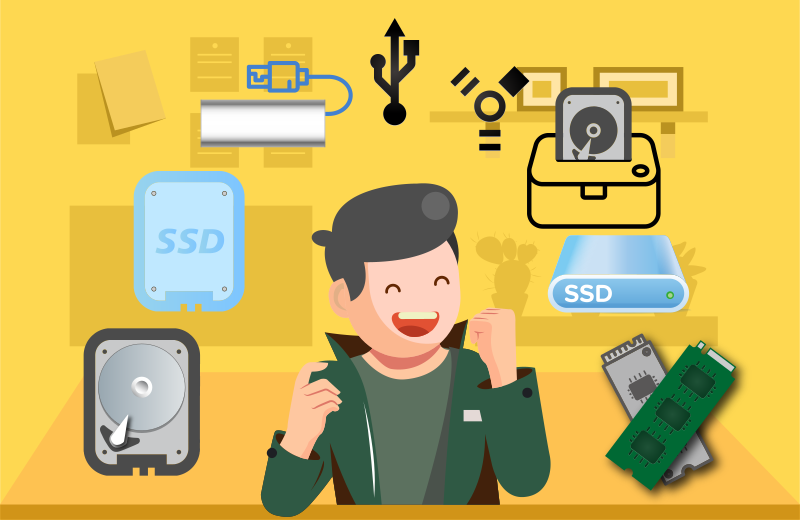
Compatible with mainstream storage technologies including NVMe, PCIe, SATA, Thunderbolt, USB 3.1 / Type-C, making your upgrade more flexible and compatible, adapting to different hardware environments.
MBR/GPT & 4K Alignment Technology
Supports MBR/GPT partition formats and automatically performs 4K alignment to ensure maximum SSD performance, improve read/write efficiency, reduce fragmentation, and make the system run smoother.
Full Backup and Recovery
Provides Full Disk-Image Backup and Universal Restore, which can completely save the system, applications, and all files, and easily restore to new devices, ensuring business continuity and avoiding the risk of data loss.
Cross-Interface Migration (SATA to NVMe)
Perfectly supports migrating from traditional SATA drives to next-generation NVMe SSDs. Break hardware interface barriers and significantly reduce system boot and application load times, reviving older devices.
Multi-Language Interface, Global Accessibility
FNet's full range of software products provides a multi-language interface to meet the needs of users in different regions. Thoughtful design makes cross-border use more convenient, and you can easily switch without additional settings.