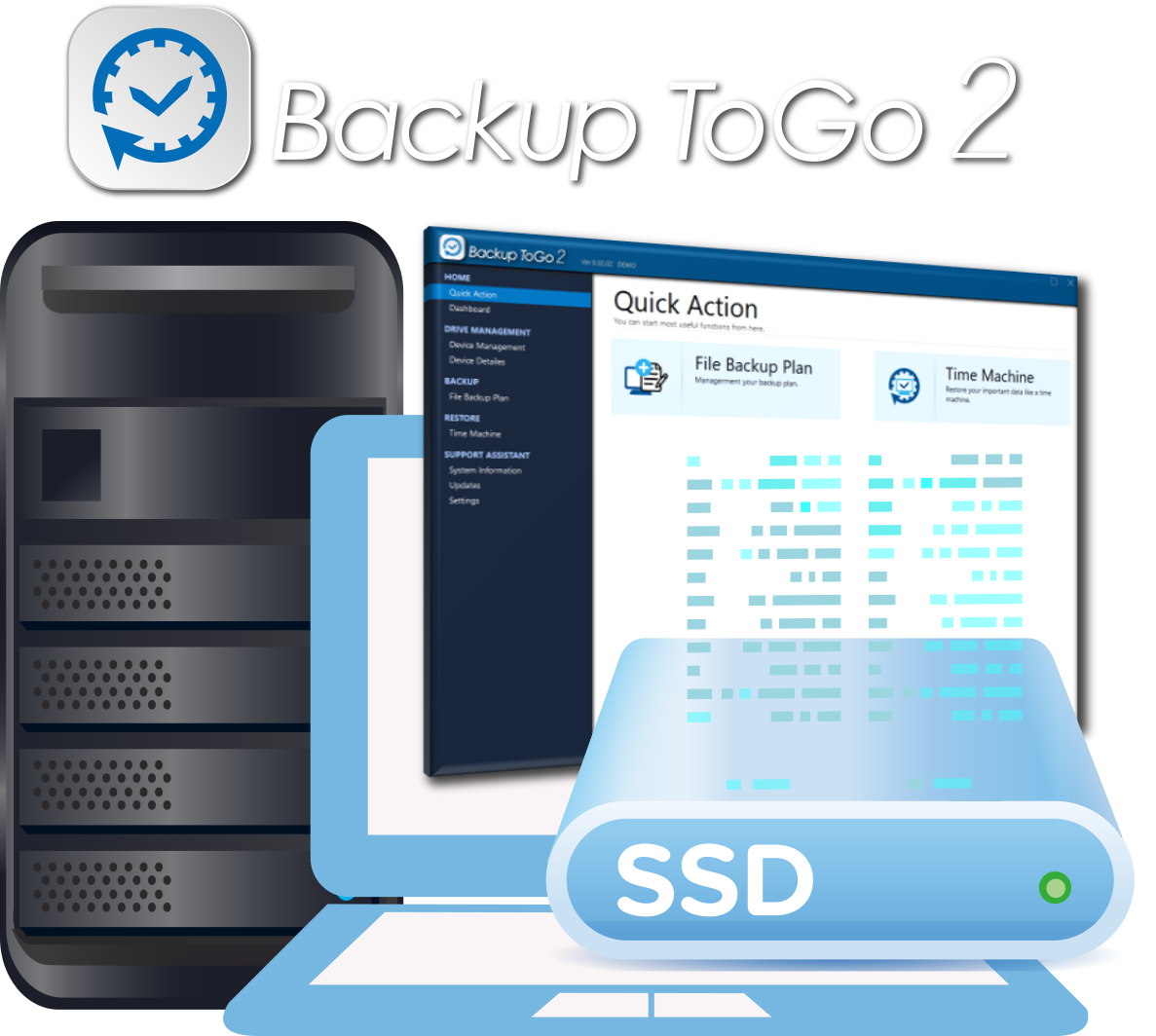
From everyday file backup to PRO encryption and VM backup, Backup ToGo 2 helps individuals and businesses manage data risks.
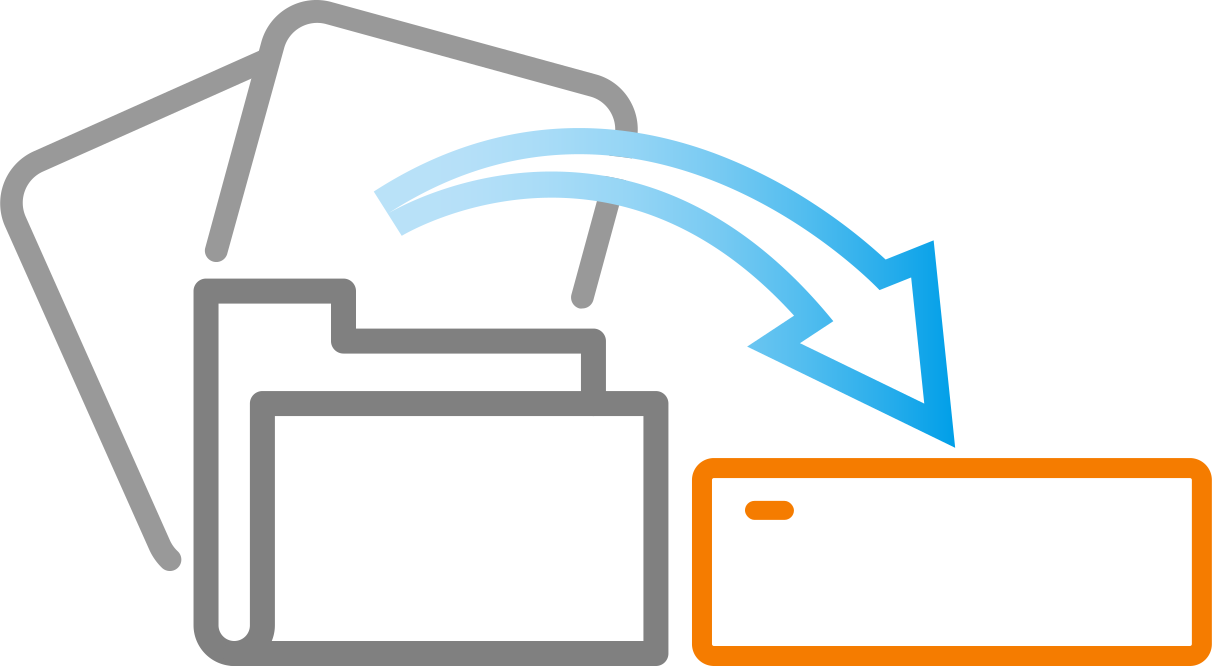
FAST Smart Backup
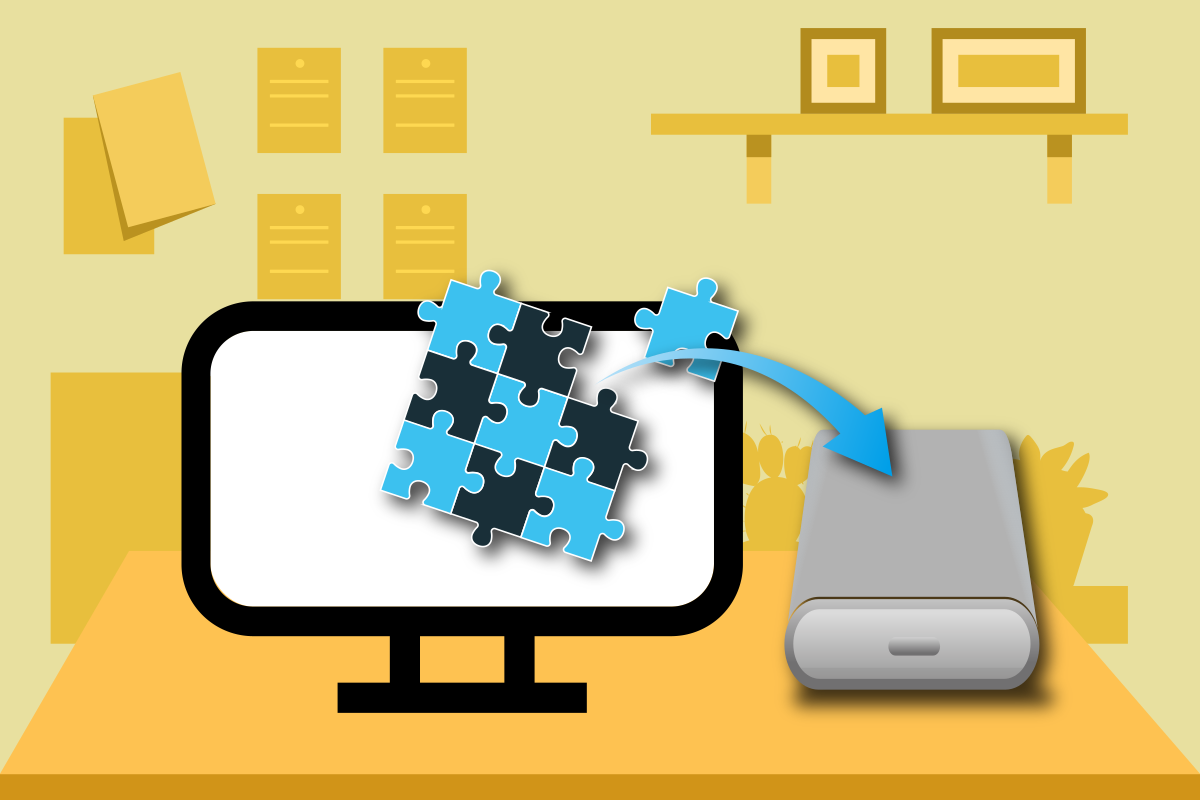
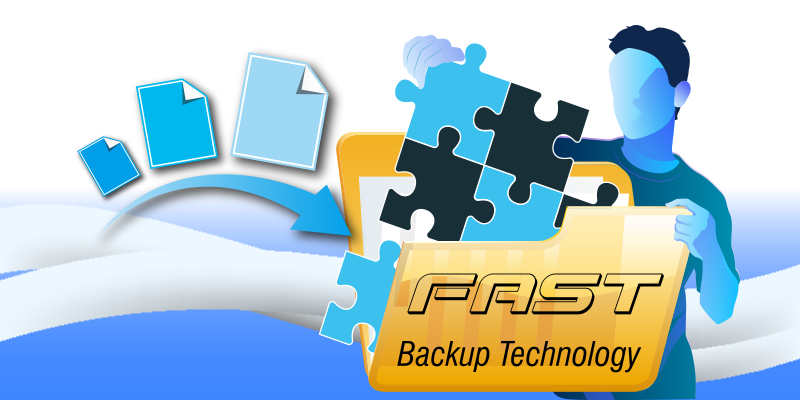
FAST backs up only changed blocks and creates logically independent recovery points without relying on a full backup chain. After the first full backup, later backups use less space and run faster.

Intuitive, Runs in Background
Quick setup and a clear interface. Set a backup plan and let it run automatically in the background—no IT expertise required for file and folder backup.

Multi-Point-in-Time Restore
Keep multiple backup points and restore files or folders to a specific date, reducing risk from accidental deletion, overwrite, or corruption.
Multi-Cloud Backup
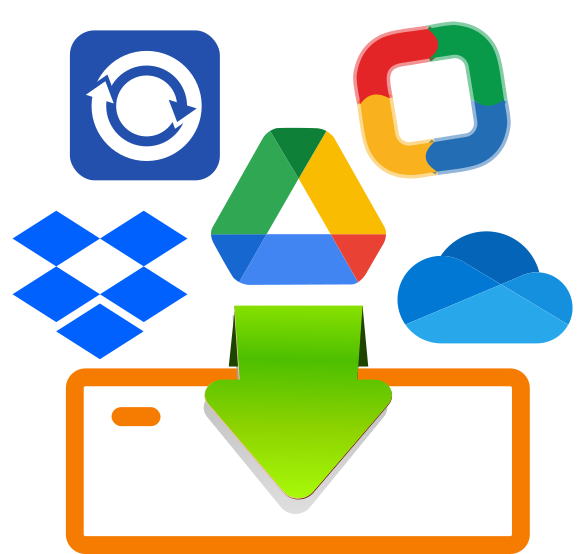
Supports Google Drive, Dropbox, OneDrive, and more—back up cloud files to local storage for centralized management and offline copies.
Break Free from Backup Chains—Every Backup Restores on Its Own
Traditional incremental backup is like a chain—break one link and everything after it is lost. Backup ToGo 2 uses FAST (FNet Adaptive Storage Technology) with an Intelligent Adaptive architecture: each backup is a logically complete recovery point while storing only changed data.
Delete unneeded old backups to free space without affecting other recovery points—balancing storage efficiency, restore speed, and long-term stability so backups stay truly reliable.
FAST Smart Backup Technology
FNet Adaptive Storage Technology breaks traditional backup-chain limits—three key advantages:
Independent recovery points: Each backup restores on its own; deleting old versions does not affect others.
Intelligent adaptive: Automatically detects changed blocks and skips unmodified data to save space.
Incremental speed: After the first full backup, only changed files are processed—backups get faster over time.
Timeline Restore
Deleted a file, overwrote a save, or discovered ransomware too late? The timeline lists every backup point—travel back to any date like a time machine.
Restore an entire backup plan or recover a single file or folder—no full-disk restore required. Faster, more precise recovery with minimal data loss.
Flexible Scheduled Backup
The hardest part of backup is remembering to run it manually. Daily, weekly, monthly, and custom schedules run automatically in the background once configured—without interrupting your work.
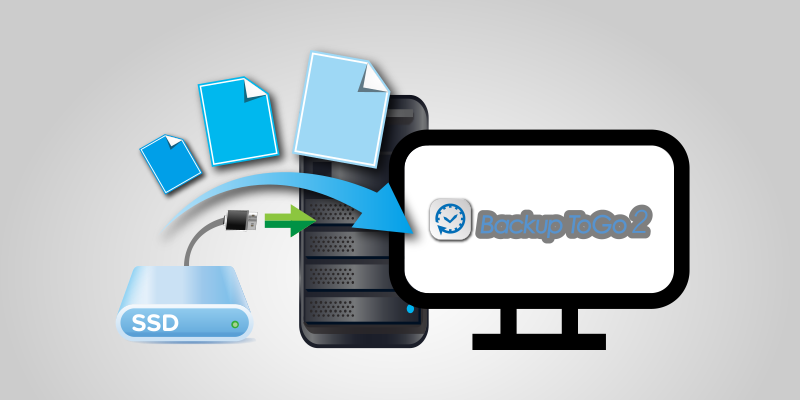
Pair with Plug-and-Backup (PnB) to start backup the moment you insert a drive—protection that becomes habit with zero effort.
Drag-and-Drop Restore
Only need one or two files back? Select files or folders in your backup and drag them to the desktop or target path—no restore wizard required.
Intuitive and minimal steps—ideal for quickly recovering documents, photos, or project files in seconds.
Drive Health Monitoring
If your backup drive fails suddenly, all those backups won't help in time. Built-in S.M.A.R.T. monitoring shows temperature, health, and remaining lifespan in real time.
Spot anomalies early while backups run—migrate data to a new drive while the old one can still be read.
Smart Compression Backup
External drive space is limited but you want more history? Smart compression shrinks backup size while preserving data integrity—more recovery points in the same space.
Whether on a laptop external drive or NAS, make every GB count for long-term backup without running out of room.
Strong Data Encryption (PRO)
Unencrypted backup data on a lost or stolen external drive exposes secrets just the same. The PRO version supports AES-256 and SM4 encryption—protected from write to storage.
AES-256 (international standard): 256-bit symmetric encryption widely used for enterprise and government-grade data protection.
SM4 (Chinese commercial standard): Block cipher aligned with China's commercial cryptography standards for deployments that require SM algorithms.
Multi-Cloud Backup Integration
Data scattered across Google Drive, Dropbox, and OneDrive? Backup ToGo 2 supports major cloud services—back up cloud files to local external drives or NAS for offline copies.
Centralize data spread across clouds; when the network drops or an account has issues, local backups still let you restore—dual cloud-and-local protection for disaster recovery.
Plug-and-Backup (PnB)
Always use the same external drive for backup? With PnB configured, inserting a registered device triggers backup automatically in the background—no manual launch each time.
Perfect for plugging in a backup drive at home or a fixed office workflow—protecting data as naturally as charging your phone.
System Information at a Glance
When backup issues arise, quick environment info speeds troubleshooting. Built-in system info panel integrates hardware/software overview and storage status:
Hardware & software overview: CPU, memory usage, Windows version at a glance.
Log export: One-click diagnostic export for FNet technical support.
Virtual Machine Backup (PRO)
The PRO version supports VM image backup while virtual systems are running; restore to a backup point after crashes or misconfiguration—rebuild virtual environments without starting from scratch.
Automatic Backup-Point Consolidation (PRO)
When backup disk space runs low, the PRO version automatically merges older change records to free space while keeping restore-to-date capability—no manual cleanup, balancing space and version retention.
Multi-Language Interface
Backup ToGo 2 includes a multilingual UI that auto-switches to your system language or lets you choose manually—no language packs required.
Whether for personal use or cross-border team deployment, set up and restore backups in the language you know best—lowering the barrier so data protection reaches everyone.